
For Maintenance Teams
Your Modern Maintenance Solution
Empower your maintenance operations with AI-enhanced tools, mobile accessibility, and real-time asset tracking. Complete work orders faster, extend asset life, and shift from reactive to preventive maintenance.
Facility Maintenance Software
Your Operations, Optimized
Work order systems that feature a mobile option help foster higher productivity rates, including faster work order completion and significant reductions in stagnant tickets. With different user roles that correspond directly with the roles of your maintenance department, the Works app provides a fully functional management system for every member of your team.
Best Practices
Use a Mobile Tool for Quick Access and Updates
Maintenance managers can view and assign incoming work orders, as well as check the status of in-progress tasks for technicians at any time.
Log Maintenance Costs
Technicians can track their labor hours, materials used, and other costs directly in the Works app, which is integral for accurate reporting, labor analysis, and budget planning.
Utilize Stagnant Work Order and Backlog Reports
Reporting tools that track data from all submitted work orders provide a way to identify overdue work orders and areas of labor shortage to address inefficiencies and staffing needs.
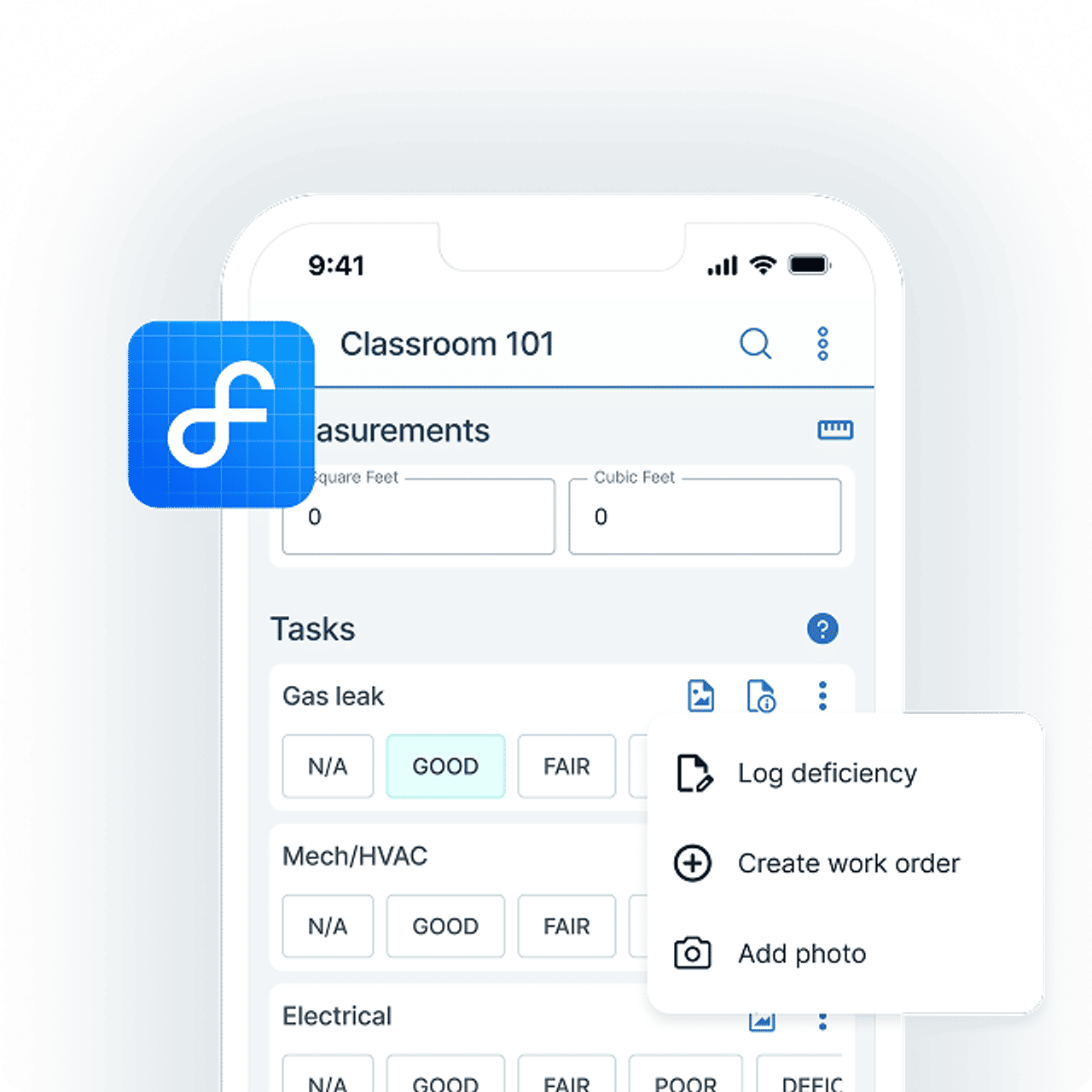
Learn how Facilitron FIT can make your inspections process effortless.
Easily Shift From Deferred to Preventive Maintenance
Build Preventive Maintenance into Your Maintenance Plan
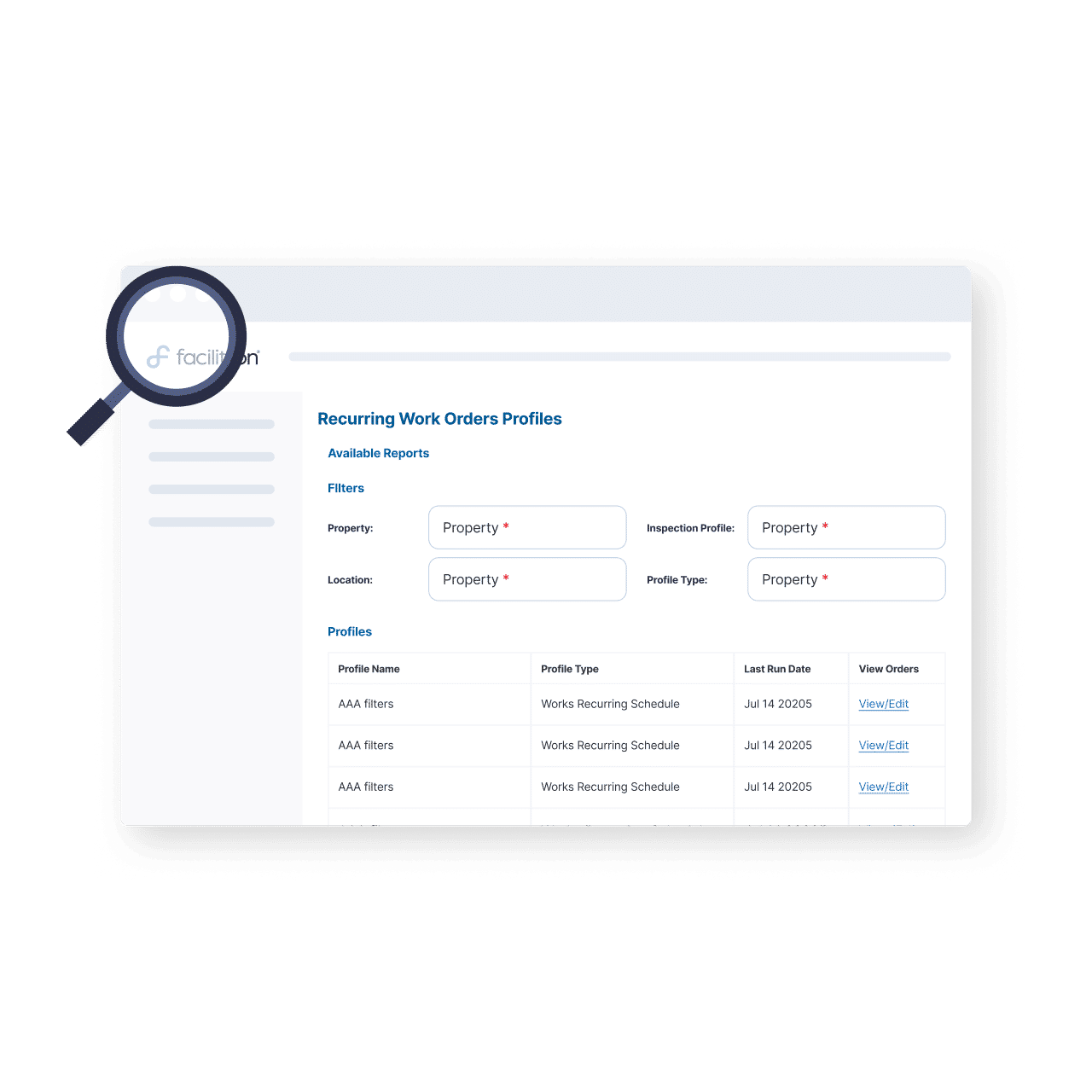
Automating your department's inspection schedules and other PMs increases PM compliance rates and extends asset lifespans. A dependable preventive maintenance and inspection scheduler helps your team build and maintain a consistent plan to stay ahead of costly repairs.
Best Practices
Automate PM Schedules
Automatically generate recurring maintenance tasks (such as quarterly filter changes) to extend equipment life and reduce costly repairs.
Prioritize Asset Lifespan Extension
Track maintenance history to ensure equipment reaches its full life expectancy, like turning 10-year HVAC lifespans into 20 with proper filter changes.
Use Compatible Tools
Tools with integration capabilities, like Facilitron Works and Facilitron FIT, can be used to conduct inspections, create and manage inspection work orders, and boost the effectiveness of your preventive maintenance plan.
Facility Maintenance Software
Integrate Facility Inspections with Your Work Order System
Works integrates directly with FIT, creating a flexible, unified system for managing inspections and maintenance. Insights from inspections guide informed maintenance decisions, and FIT lets your team record inspections, submit work orders, and export results all in one place.
Best Practices
Conduct Facility Inspections After Events
Post-event inspections after facility use help your teams maintain your organization's standards of care, as well as quickly find issues that need attention.
Submit Inspection-Related Work Orders Immediately
Real-time work order submission during an inspection can speed up response times, prevent small issues from becoming costly problems, and create a clear digital trail for accountability and follow-up.
Use Inspection Results to Forecast Capital Planning
Documented facility assessments create a detailed condition profile for each site, helping inform multi-year capital improvement plans and providing the documented evidence needed to justify bond measures, grants, or budget allocations where needed.

Leverage Asset and Inventory Tracking and Reporting Tools
Real-Time Asset & Inventory Intelligence
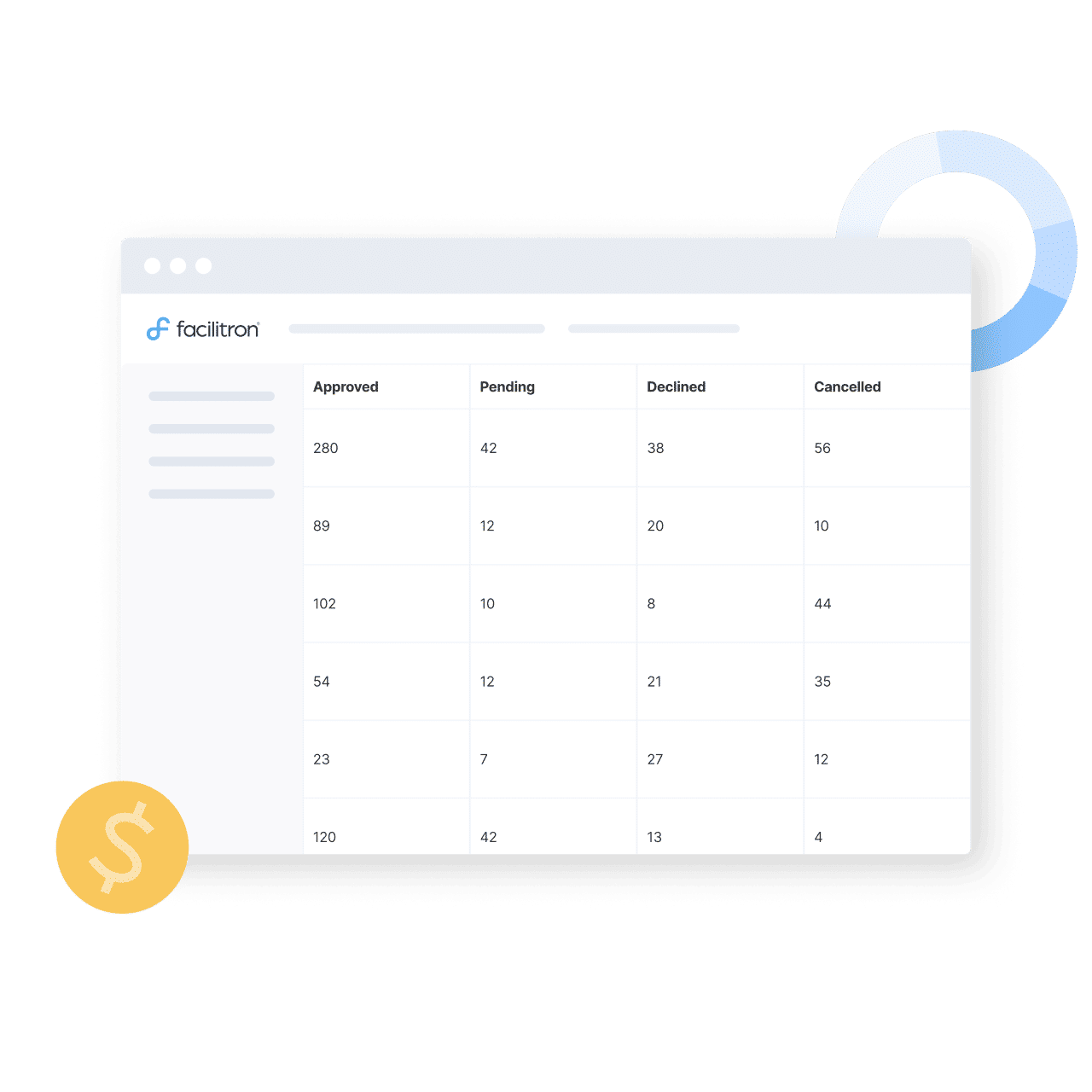
Works' asset and inventory tracking tools increase usage visibility, helping identify budget inefficiencies. This data can then be used to create asset and expense reports that provide quick insight into asset and inventory expenditures.
Best Practices
Track and Tag Assets
Record asset location, status, condition, and maintenance history from acquisition to retirement. This often correlates to reduced downtime in the long run.
Support Inventory Management
Track parts, supplies, and materials usage in real-time to prevent unexpected shortages.
Use Expense Reports to Determine Spending
Generate reports showing deferred maintenance costs, and start shaping smarter, data-driven budgets.
Leverage Asset and Inventory Tracking and Reporting Tools
AI-Powered Efficiency
Facilitron is both a user and provider of AI, both behind the scenes and within our products. From streamlining our workflows to powering smarter automation in the tools we provide, AI helps us serve our partners faster and more effectively. AI is a powerful tool that can be used to save time, reduce errors, and simplify everyday tasks.
Best Practices
Use Duplicate Detection
The duplicate detection feature in Works flags incoming work orders that appear to be identical. When a potential duplicate work order is tagged, your team is notified and can decide how to proceed.
Ask Tron AI Assistant
Get help navigating Works and find answers to any questions about using the platform at any time. Tron AI is available to all Works users roles, and it can help find the answers to everyday questions about using the system.
Get Ready for Tomorrow's Maintenance Workforce
Prepare for the workforce of the future by embracing technology that supports workflow efficiency. Investing in AI-powered tools, mobile accessibility, and intuitive systems helps attract and empower a new generation of tech-savvy workers while improving efficiency for existing teams.
Who We Work With
Trusted by facility teams at


FAQ
How does Facilitron Works handle work order management?
Can our maintenance team use this on mobile in the field?
How does Works connect with our inspection process?
Does Works support preventive maintenance scheduling?
What asset and inventory tracking does Works provide?
Learn more about Facilitron Works
Learn more about Facilitron Works and how it can help your maintenance team complete more work in less time.
Want to learn more? Join us for an upcoming webinar